 微物联研究院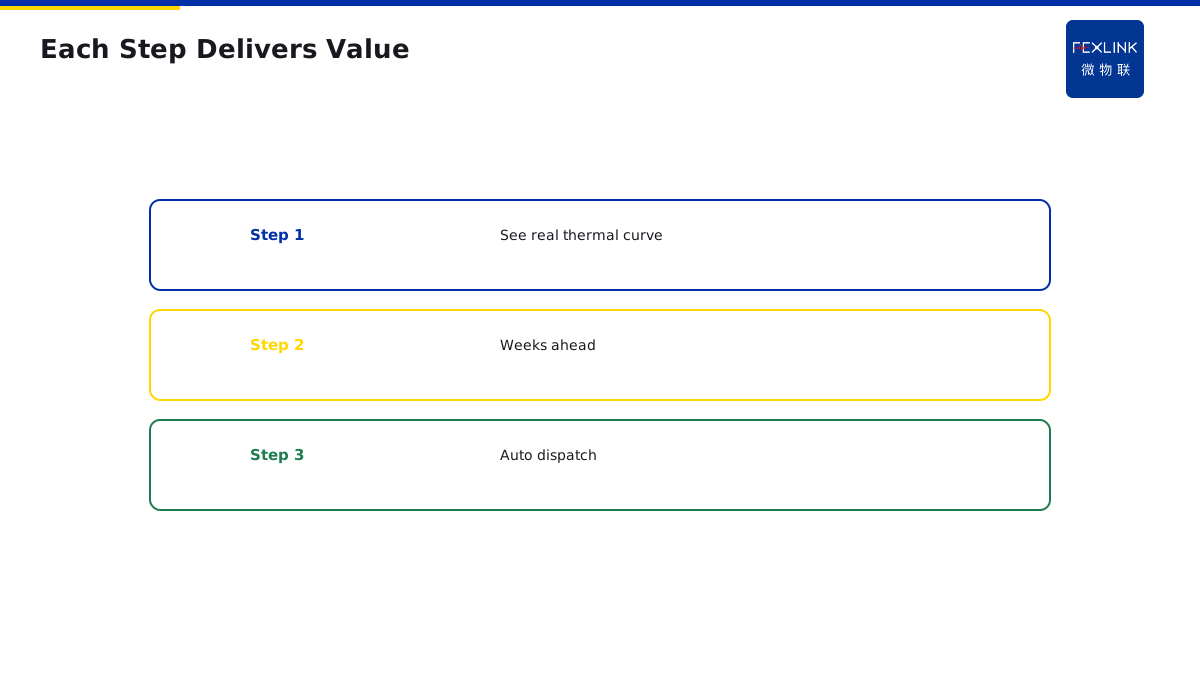
Direct Answer
Upgrade from "periodic IR + outage maintenance" to online predictive maintenance in three stable steps:
- Add wireless temperature + current on critical circuits, turning IR snapshots into continuous data;
- Add trend analysis, turning threshold alarms into drift early-warning;
- Feed warnings into maintenance work orders to close the loop.
Each step delivers value on its own—no need to wait for the full system.
1. Why Not All at Once
- Big upfront investment and risk;
- O&M team has never used online data;
- Overturning the old inspection process at once meets resistance.
Three steps, each with visible ROI, lets the team follow.
2. Step 1: Fill the Data Gap
IR is spot measurement—twice a year, what happens between is unknown. Install FEXLINK-BMS busbar monitor or EST-22920-R multi-point temperature controller on busbars, joints and cables to turn temperature into a 24 h continuous curve.
Value: first time you see the real thermal curve and seasonal hot periods.
3. Step 2: Trend Warning
With continuous curves, you're no longer "alarm at 70°C" but "temperature 5°C higher than last month." CUSUM trend warns weeks ahead.
Value: from post-incident firefighting to planned maintenance.
4. Step 3: Work-Order Loop
Warning auto-creates a work order routed to the electrician; closure feeds back. Without a loop, the warning is just a number on a screen.
5. Common Mistakes
- Wanting AI at step 1: no data, nothing for AI to chew on;
- Installing without work order: warnings sit unseen;
- Rolling out everywhere at once: big spend, slow payback, budget cut.
6. Step 1: Fill the Data Gap — Cost and Return
How much does step 1 cost?
A medium factory (50 cabinets):
- Wireless temperature sensors: 50 × 500 = 25K.
- Gateway: 1 × 3K = 3K.
- Software platform: 5K/year.
Total investment: 33K.
Returns:
- 24-hour continuous temperature curves.
- Discover "intermittent hot spots" that infrared cannot catch.
- One avoided overheating fault: saves 20K.
Payback in six months.
Key of step 1: install first, get data first — do not wait for "full system built".
7. Step 2: Trend Warning — Cost and Return
How much does step 2 cost?
- Trend algorithm software: already in platform (Tianyan S-02 CUSUM).
- No extra hardware needed.
Cost: almost zero (software upgrade).
Returns:
- Threshold alarm → trend warning.
- Catch degradation weeks in advance.
- Planned maintenance, not after-the-fact firefighting.
Key of step 2: with data, you can do trend — without continuous data, what does CUSUM calculate?
8. Step 3: Work-Order Loop — Cost and Return
How much does step 3 cost?
- Work order system integration: 5K (one-time).
- Mobile app: free.
Returns:
- Warning auto-dispatches work order.
- Maintenance completion logged back.
- Closed loop formed.
Key of step 3: without loop, warning is just a number — warning on screen nobody reads, equals not installed.
9. How to Know When to Move to Next Step
You may ask: how long to finish three steps?
Not by time — by results:
Step 1 completion signs:
- Continuous temperature curves running for 3 months.
- Found 1-2 previously unknown hot spots.
- Team habitually checks temperature curves daily.
Then move to step 2.
Step 2 completion signs:
- Trend warning used for 3 months.
- At least 1 warning caught a problem early.
- Team believes warnings are useful.
Then move to step 3.
Each step must "show results" before moving on — do not rush the schedule.
10. A Real Upgrade Case
One factory, originally: twice-yearly infrared inspection, once-yearly outage maintenance.
Year 1: step 1 — installed 50 wireless temperature sensors.
- Cost: 33K.
- Found: summer peak, 3 contacts at 75°C — infrared was done in winter, only 50°C.
- Value: early found 3 hazards, avoided summer overheating fault.
Year 2: step 2 — connected trend warning.
- Cost: 0 (software upgrade).
- Found: one contact temperature slowly rose from 60°C to 65°C — CUSUM warning.
- Scheduled maintenance — found loose bolt, re-torqued, temperature recovered.
- Value: avoided one overheating fault, saved 20K.
Year 3: step 3 — connected work order loop.
- Cost: 5K.
- Effect: warning auto-dispatches work order, electrician receives on phone.
- Value: O&M efficiency improved 30%.
Three years to finish three steps — total investment under 50K — saves 50K/year (avoided faults).
11. Why Not All at Once
You may ask: why not install full system in one go?
Three problems:
1. Big investment: full system 200K — boss needs approval, wait six months. 2. Do not know how to use: team never saw online data — installed but will not read. 3. Big resistance: directly overturn old inspection process — old electricians reject.
Three steps:
- Step 1 30K — boss approves easily.
- Data first — team gradually gets used to it.
- See results — old electricians voluntarily accept.
This is why three steps — not a technical problem, an organizational problem.
12. Where to Install First
Step 1 is not all cabinets — install high-risk ones first.
Priority:
- Main incoming cabinet — most expensive, failure stops everything.
- Transformer low-voltage side — critical node.
- Capacitor cabinet — contactors prone to failure.
- Normal feeder cabinets — last.
Install 20% critical cabinets first — covers 80% of risk.
Remaining 80% cabinets — install later after step 1 shows results.
This is "critical first, general later" — do not roll out everywhere at once.
13. One Sentence to Remember
Upgrade is not all at once — it is three steps. Data first, then trend, finally loop. Each step must show return, so the team will follow.
14. Common Questions
Q: Can I stop at step 1? A: Yes. Step 1 alone has value — continuous temperature curves, far better than infrared. Trend and work order can be added later.
15. Common Questions
Q: Can I skip steps? A: Not recommended. Skipping steps is like building on sand — without data foundation, trend and loop are empty.
Q: How long does each step take? A: Step 1 takes about 3 months to build trust. Step 2 takes another 3 months to validate. Step 3 can be done in weeks once step 2 is proven. Total: about one year to fully transform.
16. Quick Checklist
When planning your upgrade:
- Start with step 1 — install sensors on critical cabinets only.
- Run for 3 months — collect continuous data.
- Move to step 2 — enable trend warning.
- Run for 3 more months — prove value.
- Move to step 3 — connect work order loop.
- Expand to remaining cabinets — after team believes.
This checklist covers the main points. Do not skip any.
17. Why This Matters
Step-by-step upgrade is one of those topics that sounds obvious but is actually quite counter-intuitive. Most managers want to buy the whole system at once. They want to look modern. They want to impress the boss. They want to be done with it.
But big-bang upgrades almost always fail. They fail because the team is not ready. They fail because the budget runs out halfway. They fail because old habits die hard.
The three-step approach is not about technology. It is about organizational change management. It is about winning trust one step at a time. It is about showing results before asking for more budget.
Every year, factories waste hundreds of thousands on systems that sit unused. Every year, managers write off investments that nobody knows how to operate. Every year, maintenance teams resist tools that feel imposed from above.
These are not rare events. These are everyday events. And they are preventable.
The problem is that step-by-step sounds slow. It sounds like you are wasting time. It sounds like you are being cautious.
But one year from now, you will wish you had started last month. And one year from now, you will be glad you started small.
That is why you should start with step 1. That is why you should install sensors on just 20% of cabinets. That is why you should let the team learn by doing.
This article gave you the framework. Apply it to your next planning cycle. Teach it to your finance manager. Share it with your maintenance chief.
Stay safe. Stay professional. Stay curious.
18. Final Thoughts
Step-by-step upgrade is one of those topics that sounds simple but has a very practical bottom line: getting things done. Whether you are upgrading a factory, a data center, or a hospital, you need to get it right.
The good news is that you do not need a big budget. A few sensors, a little patience, and a willingness to learn from step 1 will get you 90% of the way.
Remember: your electrical system is only as safe as your weakest process. Improve step by step, prove value at each stage, and you will get buy-in.
Scope and Limitations
Applies to O&M upgrade path. FEXLINK-BMS / EST-22920-R are FEXLINK references; parameters follow the latest catalogue.