 微物联研究院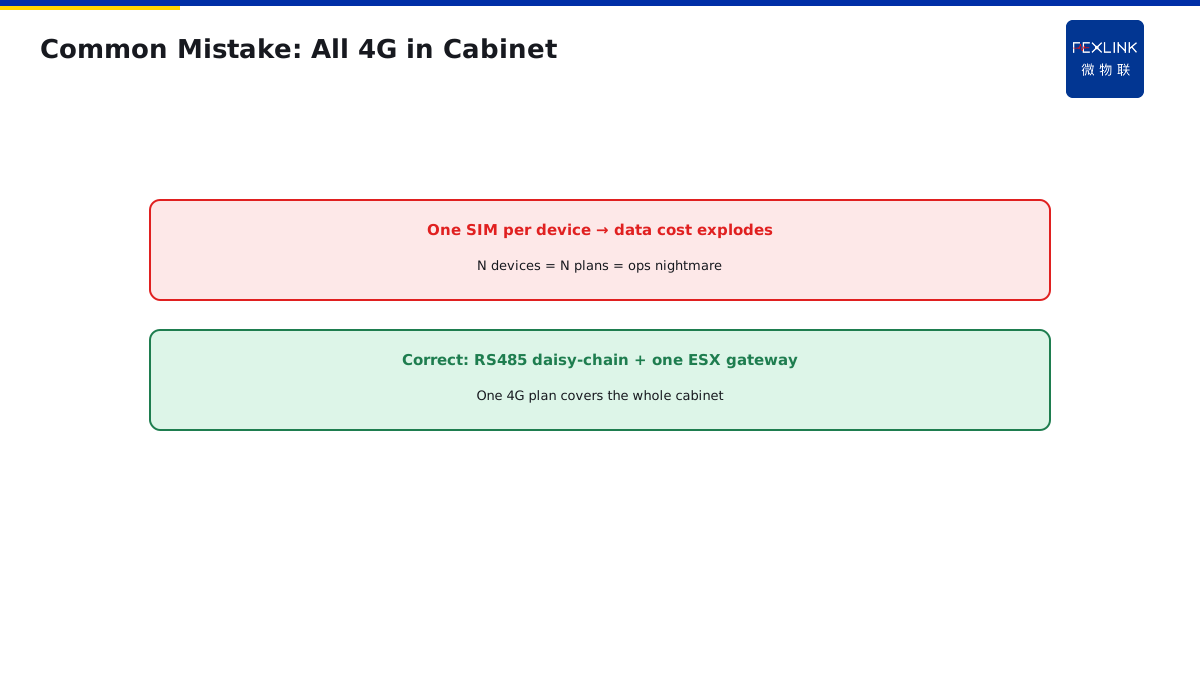
Direct Answer
Two things must be decided first for monitoring devices: power supply and communication. Model suffixes -R/-E/-G encode exactly these two choices.
Choose AC220 V if the cabinet has a spare supply; choose DC5 V adapter otherwise; use RS485 for in-cabinet cluster networking; use 4G or Ethernet for distributed / remote / no-wiring sites.
1. Power Supply
| Method | Use | Note |
|---|---|---|
| AC 220 V | Cabinet has supply | Direct, most stable |
| DC 5 V | No dedicated supply | Adapter, USB / terminals |
| Bus-powered | DIN-rail meter | Device draws power from CT / bus |
Step 1: check whether the cabinet has a spare AC220 V circuit.
2. Communication
| Method | Use | Drawback |
|---|---|---|
| RS485 | In-cabinet cluster | Needs ESX gateway to upload |
| Ethernet | Server room / wired | Needs cabling |
| 4G | Distributed / remote / no wiring | Data-plan cost |
ESF electrical fire controller and EST-22920-R multi-channel temperature controller typically use RS485 + ESX edge gateway to upload.
3. Model Suffix Meaning
- -R: RS485
- -E: Ethernet
- -G: 4G
Fill in site conditions first, then match to the model.
4. Common Mistakes
- All 4G in cabinet: every device on its own SIM—data cost explodes; cluster on RS485 instead;
- RS485 without gateway: data can't leave the cabinet—ESX gateway is mandatory;
- No-name DC5 V adapter: high ripple, frequent device reboots.
5. Why In-Cabinet Networking Uses RS485
You may ask: we have WiFi now, why still use RS485 inside the cabinet?
Because distribution cabinets are metal — WiFi signals cannot penetrate metal cabinets.
RS485 is wired communication using twisted pair — one cable daisy-chains all devices in the cabinet, stable and reliable.
And RS485 is industrial standard:
- Transmission distance 1200m.
- One bus supports up to 32 devices.
- Strong noise immunity (motor drives, VFDs in industrial environments).
This is why in-cabinet communication uses RS485 — not outdated technology, but the right choice for industrial environments.
6. How RS485 and Gateway Work Together
You may ask: how does RS485 device data reach the cloud?
Because RS485 only works inside the cabinet, it cannot directly connect to the internet. You need a "gateway" — which converts RS485 data to Ethernet or 4G.
This gateway is the ESX smart edge computing gateway.
Data flow:
- ESF electrical fire controller (RS485) →
- EST-22920-R multi-channel temperature controller (RS485) →
- Both on the same RS485 bus →
- ESX gateway collects all device data →
- Uploads to cloud platform via Ethernet or 4G.
This is why you need a gateway in the cabinet — RS485 devices cannot go online by themselves, the gateway is the "translator".
7. 4G vs Ethernet: How to Choose
You may ask: 4G and Ethernet, which is better?
Each has pros and cons:
4G:
- Pros: no wiring, just insert SIM card.
- Cons: data fees (tens of yuan per device per year), unstable in poor signal areas.
Ethernet:
- Pros: free, stable, fast.
- Cons: requires wiring (run network cable from server room to cabinet).
Selection principle:
- Cabinet near server room, can run network cable → use Ethernet.
- Cabinet in remote corner of campus, too far to run cable → use 4G.
One campus has 50 distribution cabinets:
- 10 near office building → Ethernet (run cable).
- 40 in remote corners → 4G (cable too far and expensive).
Hybrid networking, optimal cost.
8. Why All-4G Inside Cabinet Is Wrong
You may ask: every device with 4G, isn't that simpler? No gateway needed.
Sounds simple, but costs explode:
- One cabinet has 10 devices (ESF + EST + ESA + WB-TM...).
- Each with 4G: 10 SIM cards, each 50 yuan/year data fee = 500 yuan/year.
- One cabinet 500 yuan, 100 cabinets = 50,000 yuan/year.
Also 4G signal is unstable — metal cabinet attenuates signal, devices frequently go offline.
Correct approach:
- In-cabinet devices use RS485 (free).
- One cabinet has only one ESX gateway (4G or Ethernet).
- One cabinet one SIM card (not 10).
Cost difference is 10× — this is why you use "in-cabinet RS485 + one gateway per cabinet".
9. How to Choose Power Supply
Power supply selection, three steps:
- Is there AC220V in the cabinet?
- Yes: use AC220V directly (most stable). - No: go to next step.
- Is there DC24V in the cabinet?
- Yes: use DC24V. - No: go to next step.
- Neither: use DC5V adapter (external power).
Note: DC5V adapter must be industrial grade, do not use phone chargers — phone chargers have high ripple, devices may restart.
10. How to Fill Out the Selection Table
On-site selection, fill out a table:
| Item | Options | Site Condition | Selection |
|---|---|---|---|
| Power | AC220V / DC24V / DC5V | AC220V in cabinet | AC220V |
| In-cabinet comm | RS485 | Centralized networking | RS485 |
| Upload comm | Ethernet / 4G | Far from server room | 4G |
| Model suffix | -R / -E / -G | In-cabinet RS485 + 4G gateway | Device -R, gateway -G |
Fill out this table, and the model is decided.
11. Common Selection Mistakes
Three most common selection mistakes:
- All-4G in cabinet: 10 devices 10 SIM cards, data fees explode.
- RS485 without gateway: data cannot leave the cabinet.
- DC5V with cheap adapter: high ripple, devices restart frequently.
Fill out the table above before ordering. Do not choose models by gut feeling.
12. One Sentence to Remember
Power and communication selection is not just "pick a suffix" — match the power supply to what is available in the cabinet, use RS485 for in-cabinet networking, and use one gateway per cabinet for upload.
13. Common Questions
Q: Can I mix RS485 devices from different manufacturers? A: Yes, as long as they all use Modbus-RTU protocol. But register addresses may differ — you need a protocol configuration file.
Q: What if 4G signal is weak in my cabinet? A: Install an external antenna — route it outside the cabinet. Metal cabinets shield 4G signals significantly.
14. Quick Checklist
When selecting power and communication:
- Check available power — AC220V first, then DC24V, then DC5V.
- Choose in-cabinet comm — RS485 for multiple devices.
- Choose upload comm — Ethernet if available, 4G otherwise.
- Calculate cost — one SIM per cabinet, not per device.
- Fill out the selection table before ordering.
This checklist covers the main points. Do not skip any.
15. Why This Matters
Power and communication selection is the backbone of every online monitoring system. Every device you install needs power, and every device needs to communicate. Get these wrong, and the whole system fails.
Every year, monitoring projects fail because devices restart due to bad power supply. Every year, data stops flowing because someone chose all-4G inside the cabinet and the data bills exploded. Every year, systems go dark because no gateway was installed, and RS485 data could not leave the cabinet.
These are not rare events. These are everyday events. And they are preventable.
The problem is that most people treat power and communication selection as a simple "pick whatever the distributor sells" exercise. They do not understand why RS485 is used inside metal cabinets. They do not calculate the cost difference between one gateway and 10 SIM cards. They do not verify what power is actually available in the cabinet.
That is why you need to understand power and communication selection. That is why you need to fill out the selection table before ordering. That is why you need to think about total cost of ownership, not just unit price.
Monitoring systems are investments. A wrong selection does not just waste money — it wastes the entire project. If the devices keep restarting, or if data stops flowing, or if the bills explode, the project fails. Choose carefully, design correctly, and verify on site.
This article gave you the fundamentals. Apply them to your next monitoring project. Teach them to your team. Share them with your colleagues.
Stay safe. Stay professional. Stay curious.
16. Final Thoughts
Power and communication selection is one of those topics that sounds simple but has many details. Power supply type, in-cabinet communication, upload method, model suffix — each one matters. Skip one, and you will regret it later.
The good news is that once you have a selection table, it becomes repeatable. Every time you design a monitoring system, fill out the same table. After a few times, it becomes second nature.
Remember: every device in your cabinet needs power and communication. Get these right, and the system runs smoothly for years. Get them wrong, and you will be troubleshooting forever.
Scope and Limitations
Applies to monitoring device power and comm selection. ESF/EST/ESX are FEXLINK references; parameters follow the latest catalogue.